
Download PNG Package Deluxe – png icons, icon pack, free icons, high-quality icons, transparent icons, 128x128 icons, app design, web design, UI design, icon set, mobile app icons, design tool
Overview
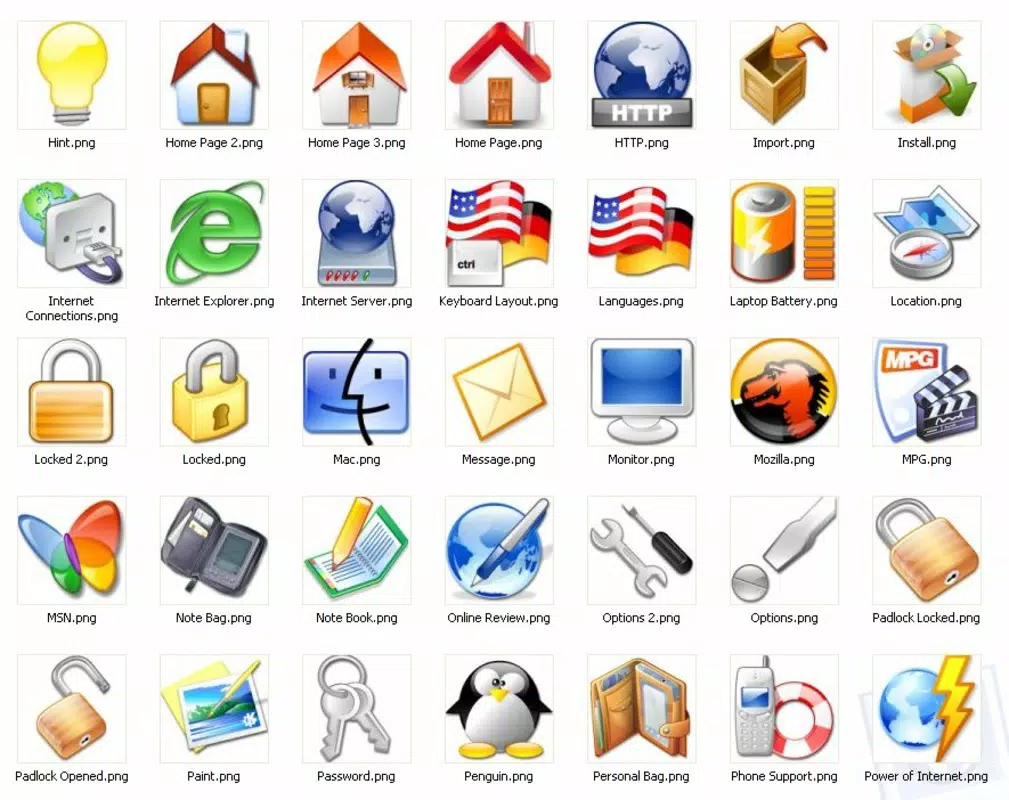
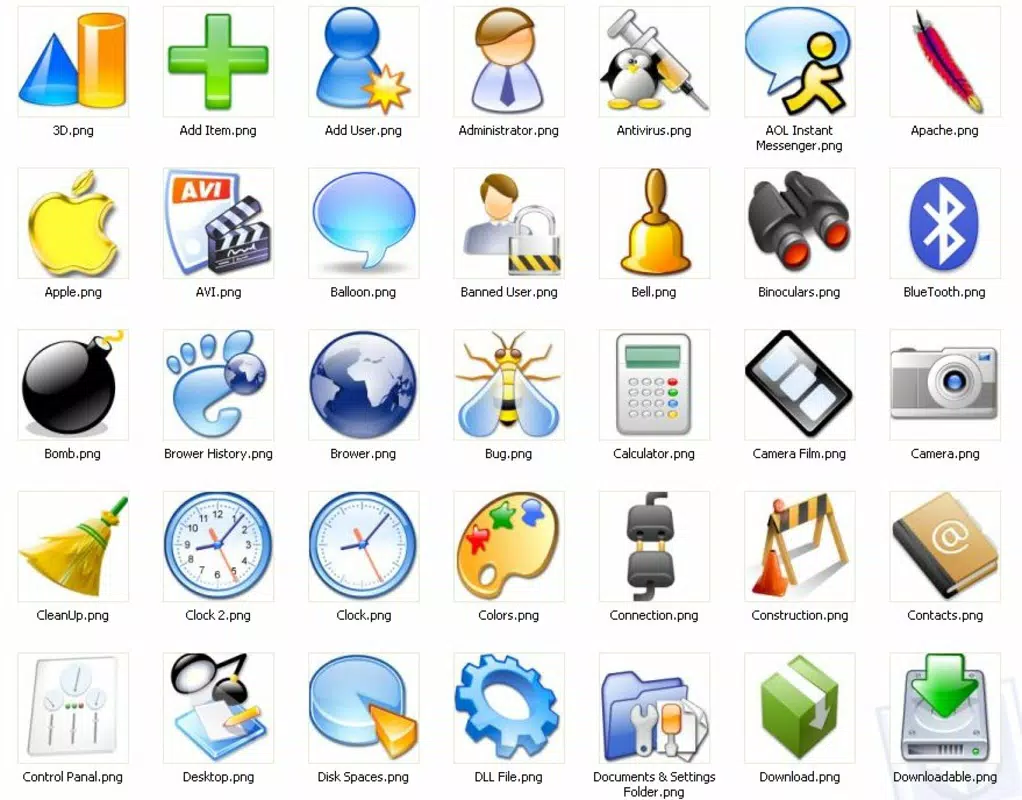
PNG Package Deluxe is a curated collection of 130 high-resolution PNG icons, each precisely sized at 128x128 pixels. Designed for developers, UI/UX designers, and digital creators, this tool serves as a ready-to-use asset library to enhance the visual quality of mobile and web applications. The primary purpose of the app is to streamline the design process by providing a consistent, professional-grade icon set that supports transparency and maintains clarity across various backgrounds. It addresses the common challenge of sourcing high-quality, visually cohesive icons without requiring extensive customization or external resources.
Target users include freelance designers, indie developers, and small teams working on mobile or web projects who require immediate access to reliable visual assets. The icon pack is particularly useful in scenarios where time efficiency and visual consistency are critical—such as rapid prototyping, app development, or website mockups. Although the developer, PNG Package, did not provide additional background details, the longevity of the release date (2006) suggests a stable, long-standing tool within the design community.
Within the broader app ecosystem, PNG Package Deluxe functions as a lightweight utility that complements larger design and development workflows. Its focus on simplicity, transparency, and immediate usability positions it as a foundational resource for creatives aiming to elevate their projects without unnecessary overhead.
Key Features & Functionality
- Diverse Icon Themes: The pack includes a broad range of icon categories, enabling users to select visuals that align with their project’s functionality and tone. Whether designing a productivity app, a social platform, or a utility tool, the variety ensures thematic consistency.
- High-Quality PNG Format: Each icon is delivered in PNG format, known for its lossless compression and support for alpha transparency. This ensures sharp visuals and seamless integration into any background, from solid colors to complex gradients.
- Customizable Size: While all icons are initially 128x128 pixels, their vector-like clarity allows for scaling up or down without degradation. This flexibility supports responsive design needs across different screen sizes and resolutions.
- Professional Aesthetic: The clean, modern design language of the icons contributes to a polished interface, enhancing user perception of the application’s quality and attention to detail.
- Ready-to-Use Icons: With 130 icons pre-packaged and immediately accessible, users avoid the time-consuming process of searching, editing, or creating assets from scratch, accelerating project timelines.
For example, a developer building a fitness tracking app can quickly integrate icons for heart rate, steps, and nutrition, ensuring visual coherence from the outset. Similarly, a web designer creating a dashboard can use the icons to represent data categories, navigation elements, and status indicators without additional design work.
Interface, UX & Performance
The interface of PNG Package Deluxe is minimal and functional, reflecting its role as a static asset library rather than an interactive application. Users are presented with a straightforward file list or grid view of the icons, allowing for easy browsing and selection. Navigation is intuitive, relying on basic scroll and tap interactions typical of file-based tools on Android.
Visual style emphasizes clarity and consistency, with icons uniformly styled to maintain aesthetic harmony. The absence of complex animations or dynamic elements contributes to a lightweight, stable experience. Although the developer did not list formal performance metrics, the app’s file size of 1.5 MB suggests efficient resource usage, minimizing impact on device storage and memory.
Responsiveness is expected to be smooth across mid-range and high-end Android devices, given the app’s modest size and lack of heavy processing demands. Stability is likely maintained due to the static nature of the content—no background services or real-time updates are required. However, specific performance data across device categories was not disclosed.
Platform Compatibility & Technical Requirements
PNG Package Deluxe is available exclusively on the Android platform. The app is compatible with Android operating systems, though the developer did not specify minimum OS requirements. The file size is 1.5 MB, making it suitable for devices with limited storage capacity. The current version is 1.0, indicating a stable, foundational release with no reported updates since its initial launch in 2006.
As the app is a static icon bundle, it does not require advanced permissions or hardware capabilities. Users can install and access the icons directly through file management systems. Compatibility with different Android device types—such as smartphones, tablets, and wearables—was not fully disclosed. However, the standardized 128x128 pixel size and PNG format suggest broad compatibility across standard display resolutions.
Pros and Cons
- Comprehensive collection of 130 high-quality, transparent PNG icons
- Ready-to-use assets save significant time in design and development workflows
- Consistent, professional visual style enhances project aesthetics
- Lightweight file size (1.5 MB) ensures fast installation and minimal storage impact
- Free to download and use, making it accessible for all users
- No official updates or maintenance since 2006; potential compatibility risks with modern Android versions
- Limited to Android platform; no iOS or cross-platform availability
- Static content with no interactive features or dynamic updates
- Developer did not provide technical specifications or support channels
- Version 1.0 suggests no recent improvements or feature expansions
FAQ
Is PNG Package Deluxe safe to download and install?
Yes, the app is free and available from trusted sources. As a static icon bundle, it does not contain executable code that could pose security risks. However, users should ensure they download from official or verified platforms to avoid modified versions.
Can I use these icons in commercial projects?
While the developer did not specify licensing terms, the nature of the file format and distribution suggests it may be suitable for commercial use. Users are advised to verify the license terms directly with the developer or consult the source of the download.
Does PNG Package Deluxe support iOS devices?
No, the app is currently only available for Android. There is no official iOS version or cross-platform release.
How do I access the icons after installation?
After installation, the icons are stored in the app’s internal storage. Users can access them via file manager tools or integrate them directly into their design or development projects using standard file import methods.
Are there plans for future updates or new icon additions?
The developer has not announced any updates or future releases. The current version is 1.0, and no recent changes have been documented since 2006.
Final Thoughts
PNG Package Deluxe remains a notable resource for designers and developers seeking a reliable, no-frills icon set. Its 130 professionally crafted, transparent PNG icons offer immediate value in enhancing the visual appeal of apps and websites. While the app lacks modern features and has not been updated in nearly two decades, its core functionality remains intact and useful for basic design needs.
It is particularly beneficial for users working on small-scale projects, educational purposes, or retro-style applications where simplicity and consistency are prioritized. The free availability and minimal system requirements make it accessible to a broad audience, especially those with limited budgets or older devices.
For those who value efficiency and a clean, professional look without the overhead of complex tools, PNG Package Deluxe delivers a straightforward solution. Despite its age, it continues to serve as a foundational asset in the digital design toolkit.
Download PNG Package Deluxe now


